

Prerequisites
Before you begin, ensure you have:- A Busha Business account (from the Quick Start Guide).
How to create a payment link
1
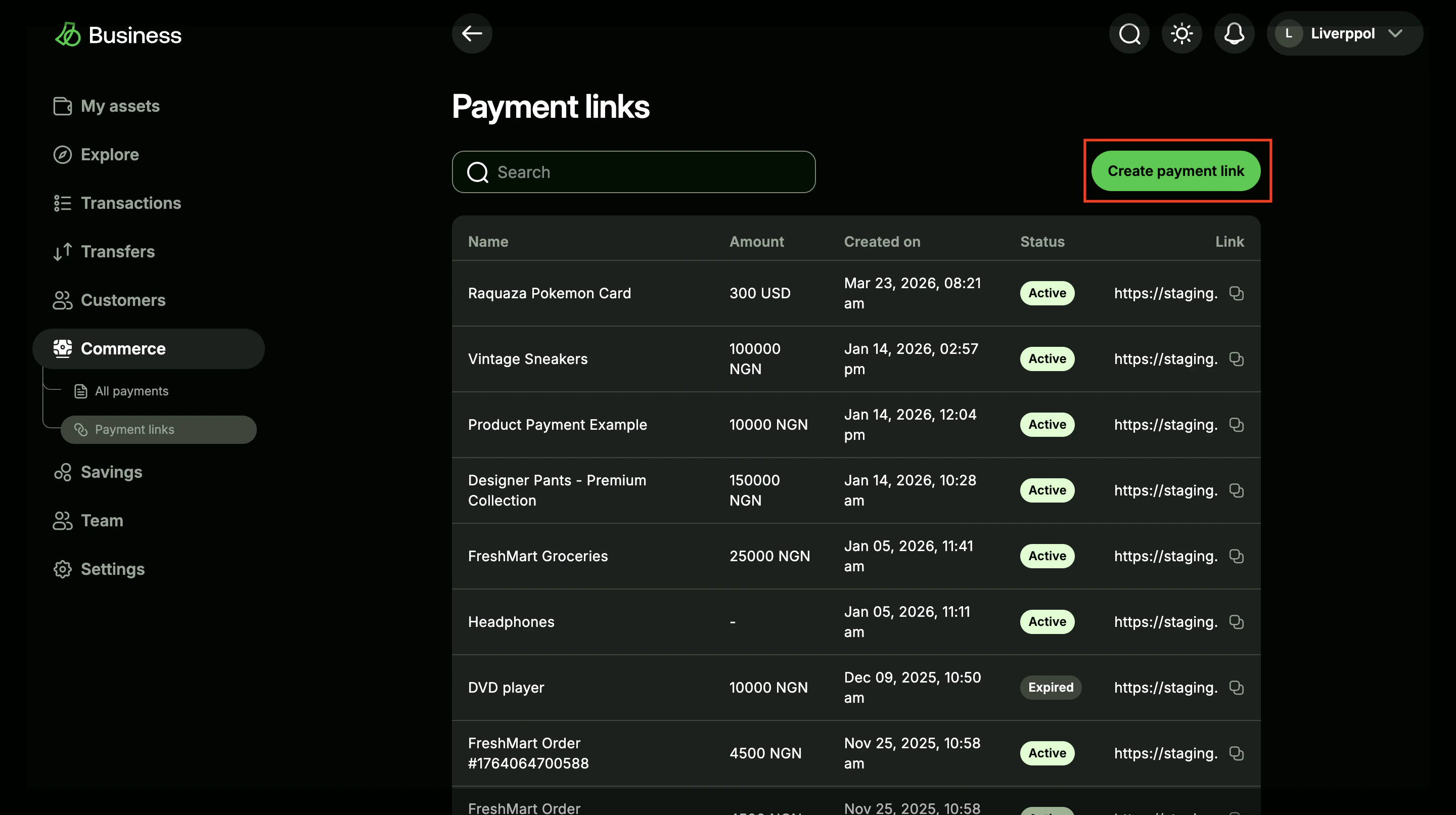
Open Payment Links in your dashboard
Log in to Busha Business, go to Commerce → Payment Links, and click Create Payment Link.
View screenshot
View screenshot
2
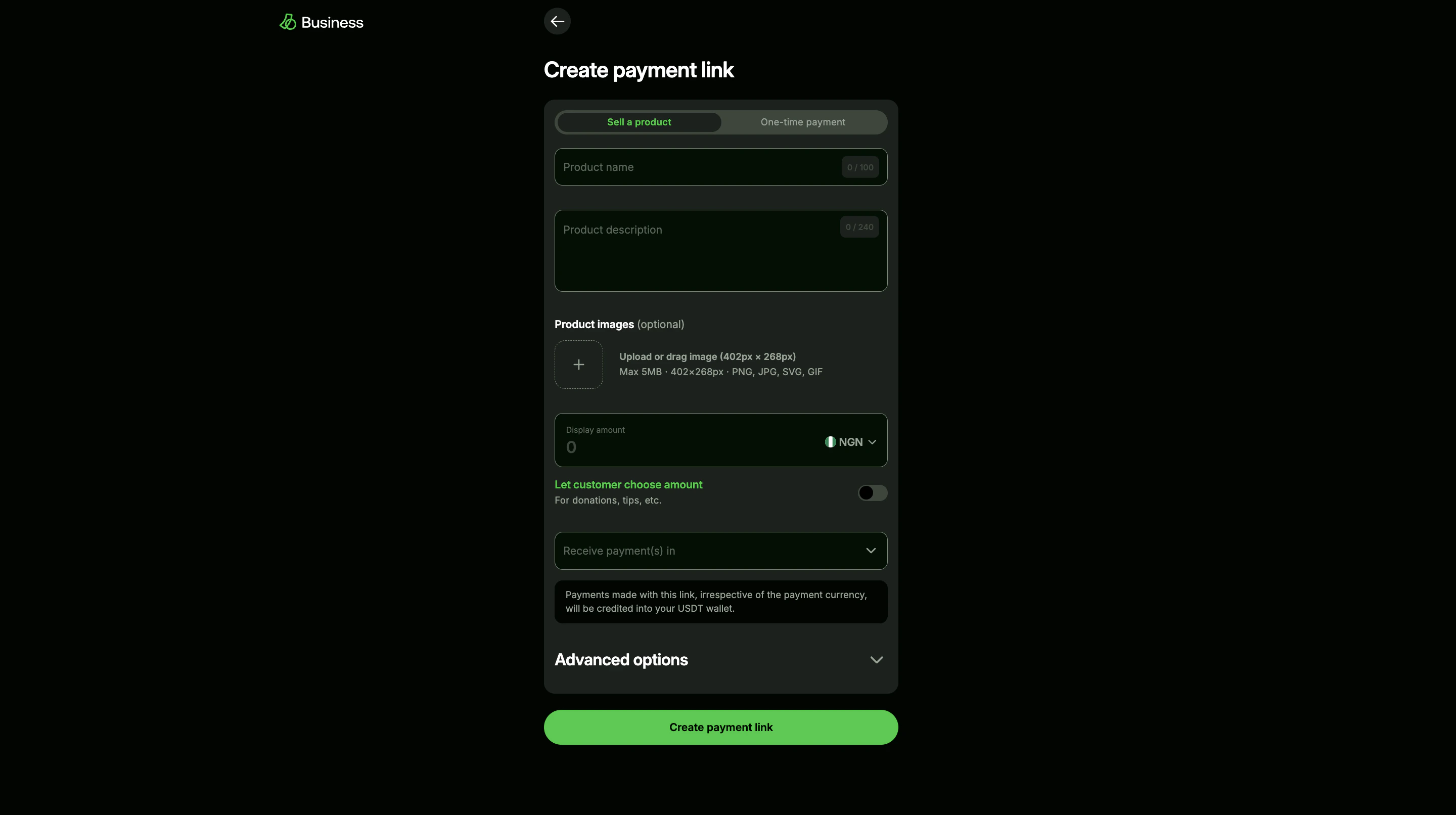
Enter the payment details
Add the product or payment details your customer should see, then click Create Payment Link.
View screenshot
View screenshot
3
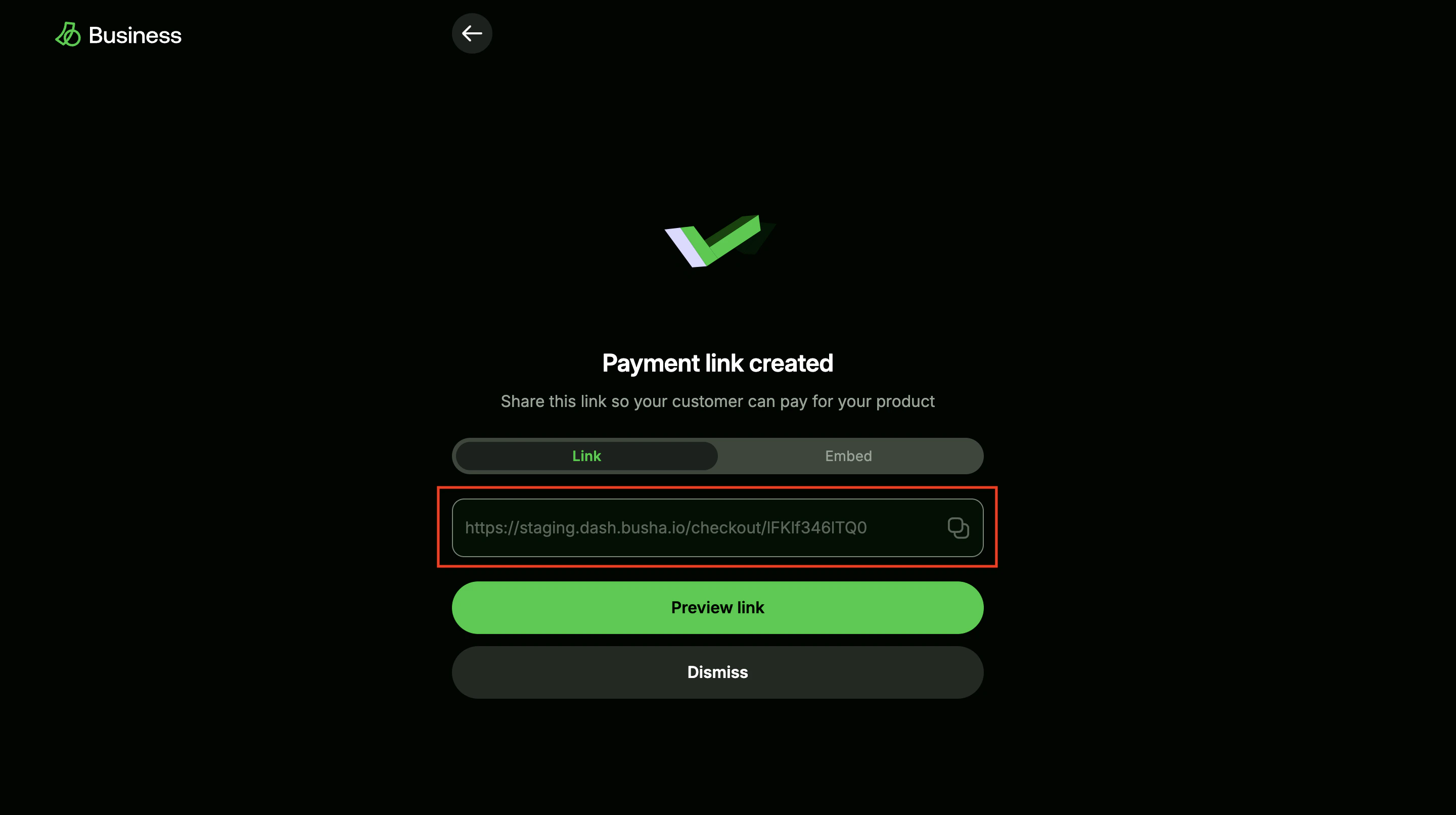
Copy and share the link
Copy the generated checkout URL and send it anywhere you sell from, for example, WhatsApp, Instagram, email, or SMS.
View screenshot
View screenshot
Sample checkout link
Use this staging link to see the kind of checkout your customer receives:https://staging.dash.busha.io/checkout/Q4Yfew3cT8F5
Open the sample checkout in a new tab.
What your customer sees
1
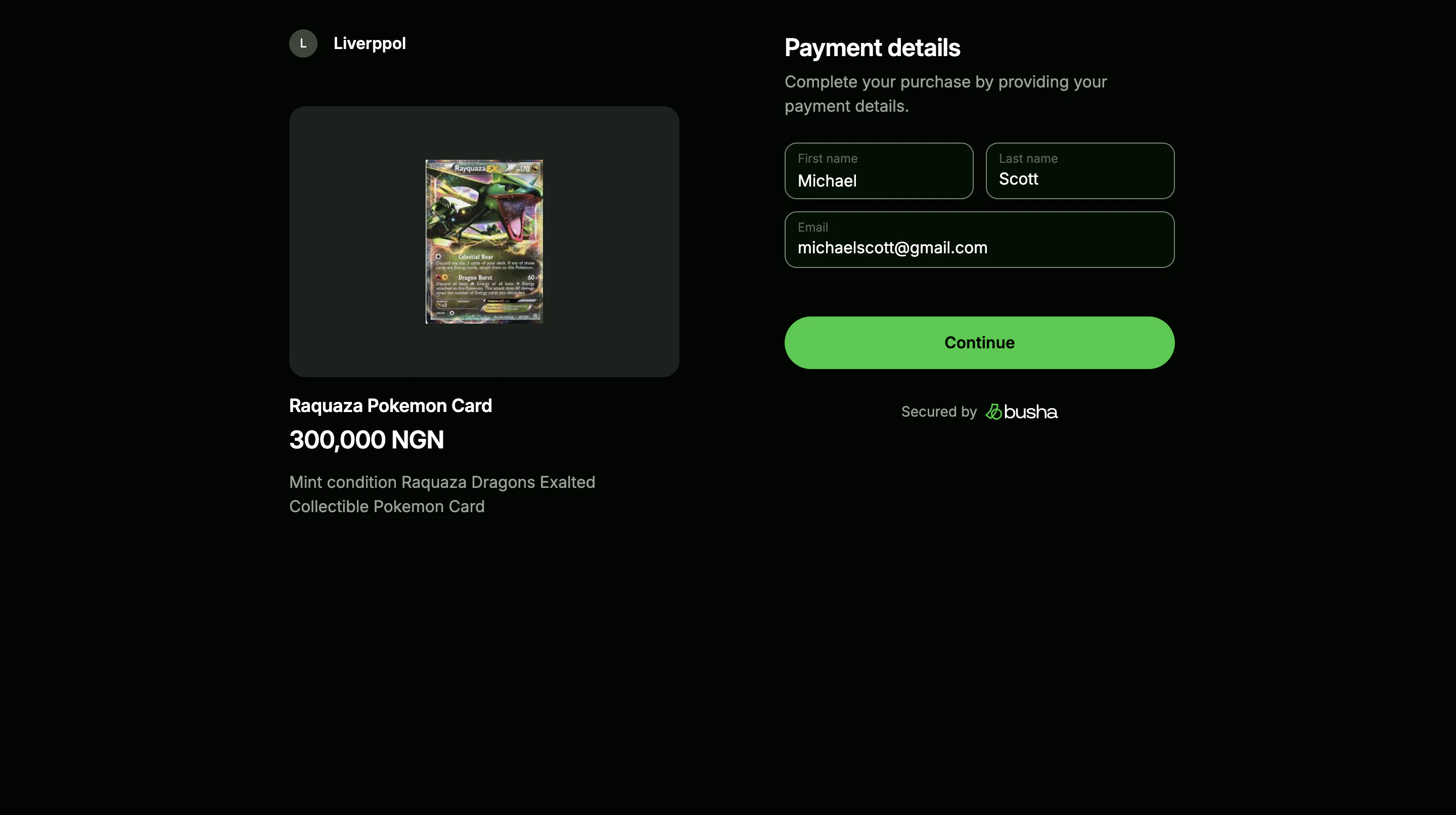
Open the hosted checkout
The customer lands on a Busha-hosted payment page with the amount and payment details.
View screenshot
View screenshot
2
Choose a payment method
The customer can continue with their Busha account or pay from an external wallet.
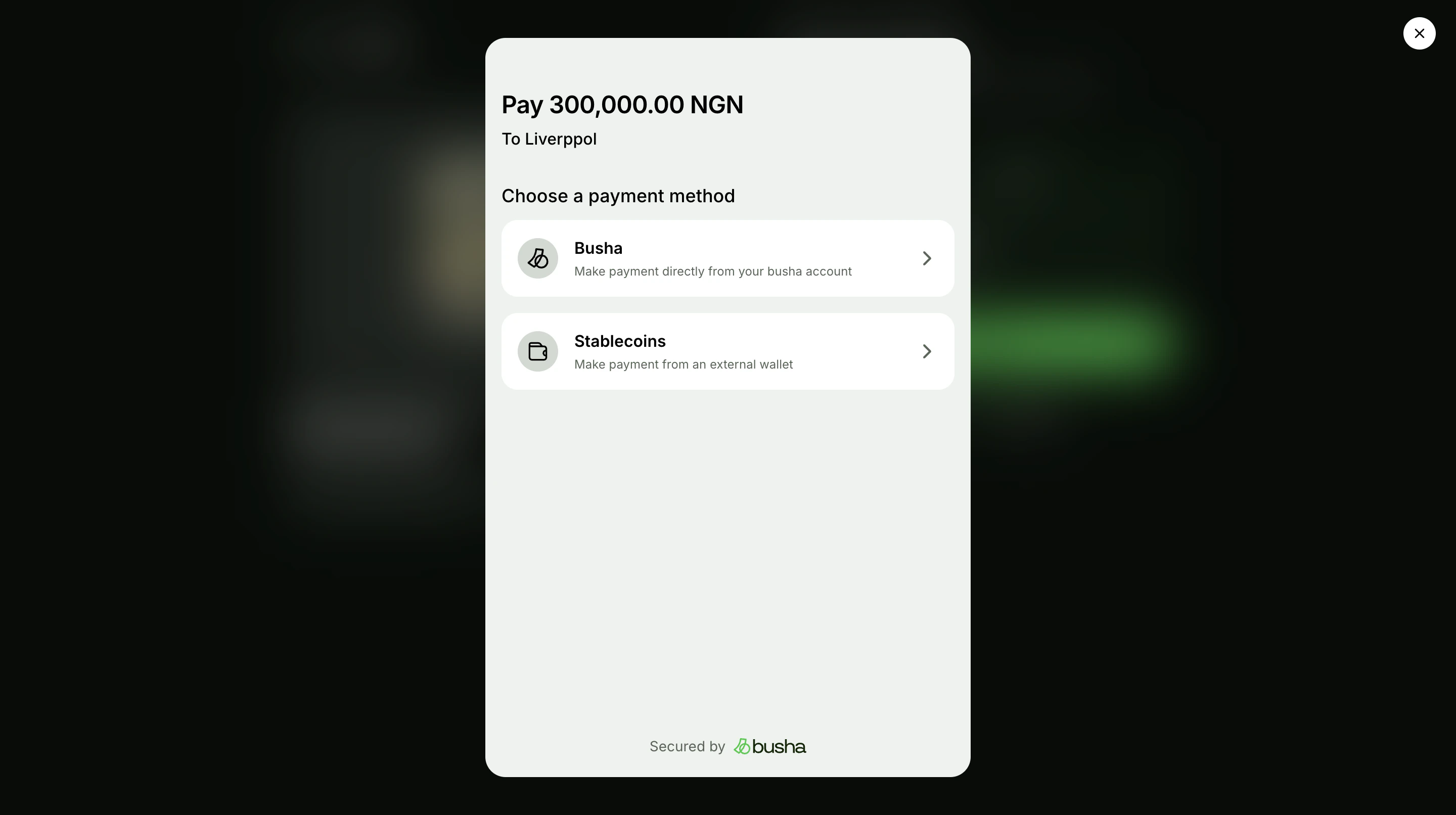
View screenshot
View screenshot
3
Complete payment and confirm status
After the customer pays, Busha shows a confirmation screen and the funds appear in your balance.
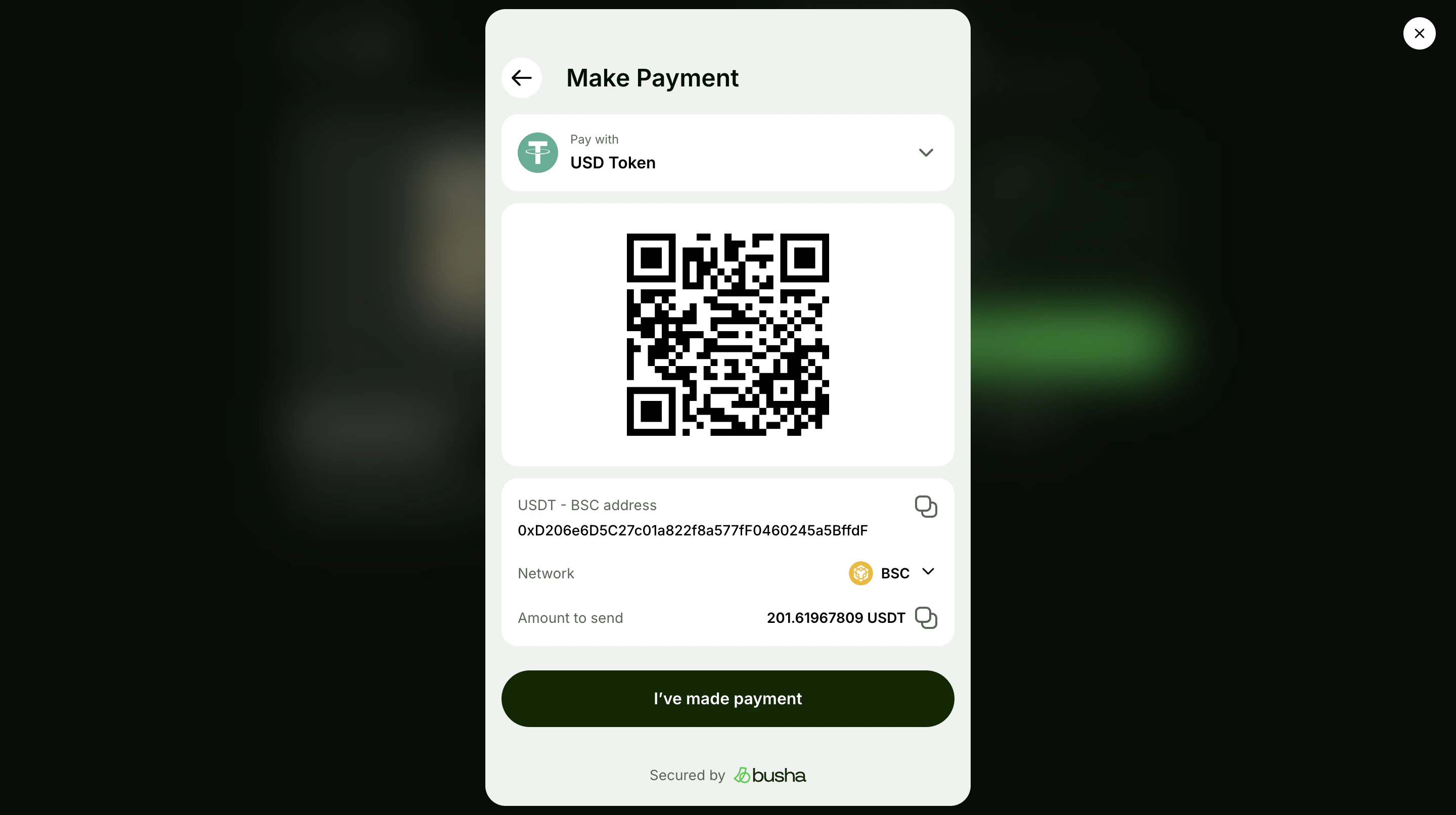
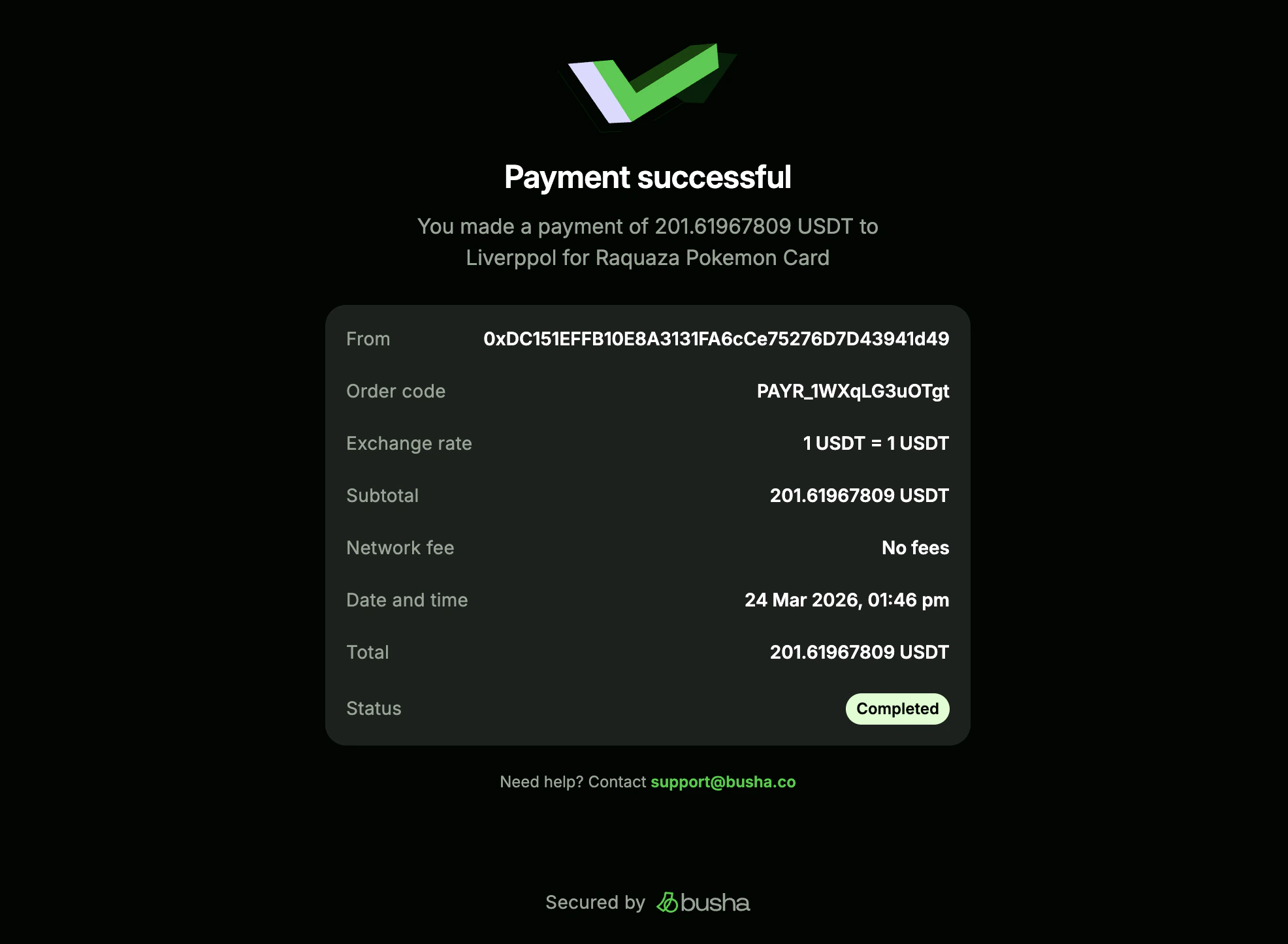
View screenshots
View screenshots
What’s Next?
- Accept Stablecoin with SDK Integration - Add a crypto checkout directly to your website or app.